 EarlyApply
Apply in the first 15 minutes, not the first 500.
EarlyApply shows you LinkedIn jobs minutes after they're posted, hides the noise, and alerts you the moment a new one appears. You still apply yourself.
No account · No tracking · Also on Microsoft Edge
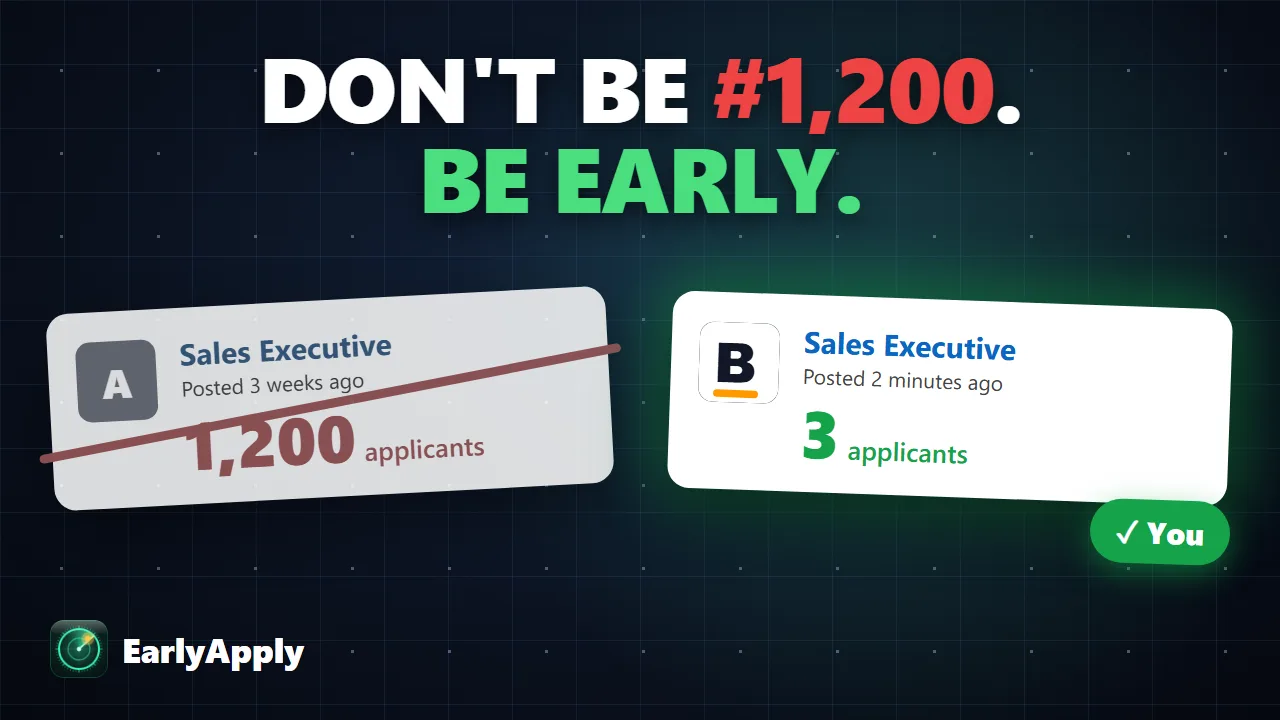
Every job is a race. The first hour decides it.
Recruiters read the first applications first. A day later there are a thousand in front of yours.
A job is posted
Nobody has seen it yet.
0 applicantsJob Radar spots it
A desktop alert, even while you work in another app.
0 applicantsYou apply
Your profile is at the top of the pile.
#3Everyone else finds it
LinkedIn starts showing it to more people.
200Too late
The recruiter stopped reading long ago.
1,200See it in one minute.
From search to alert to applying, start to finish.
See the freshest jobs first.
One click filters your search to jobs posted in the last 15 minutes, 30 minutes or a few hours, newest on top.
- Time filters LinkedIn doesn't offer, right on the page
- Old jobs that sneak in are hidden for you
- Works on LinkedIn's classic and AI-powered search
Get an alert the minute it's posted.
Turn on Job Radar for any search and get back to work. It checks every few minutes and tells you when something new appears.
- Desktop alert and a soft chime, even in other apps
- The toolbar icon shows how many new jobs
- Remembers your search, even after Chrome restarts
Hide everything you'd skip anyway.
Promoted posts, reposts, staffing agencies, companies you never want to see again, and titles like "Senior" when you're a fresher.
- One click "Hide company" on any job
- Block job titles by word
- "5 hidden · show" lets you peek at what was filtered
Answer the same questions faster.
Notice period, salary, a short intro: save your usual answers once and copy them in one click beside LinkedIn's Easy Apply form.
- Shows the answers that fit each question
- A daily goal and a streak to keep you going
- You stay in control: it never fills or submits forms
Your job search stays yours.
Everything EarlyApply saves stays in your own browser, and it never clicks, fills or applies for you. Read the privacy policy →
LinkedIn job search tricks.
Useful even without EarlyApply.
Good questions.
Still stuck, found a bug, or have an idea? Email us, we read every message.
Is EarlyApply really free?
Yes. Every feature, including Job Radar, is free. No account, no card.
Will LinkedIn block my account?
EarlyApply only filters and sorts what LinkedIn already shows you, and refreshes your own tab like you would. It never applies, clicks or sends messages for you, and it never scrapes LinkedIn in the background.
Does it apply to jobs for me?
No, and that's on purpose. You read the job and apply yourself. EarlyApply just gets you there first.
How fast are the alerts?
Job Radar checks your search every 3 minutes (you can choose up to 1 hour) and alerts you when it finds a new job.
Does it work in Microsoft Edge?
Yes, it's on the Edge Add-ons store too, and works on LinkedIn's classic and AI-powered job search.
Be early on the next job you want.
Free. Private. Set up in under a minute.
Add to Chrome, it's free Also on Microsoft Edge